

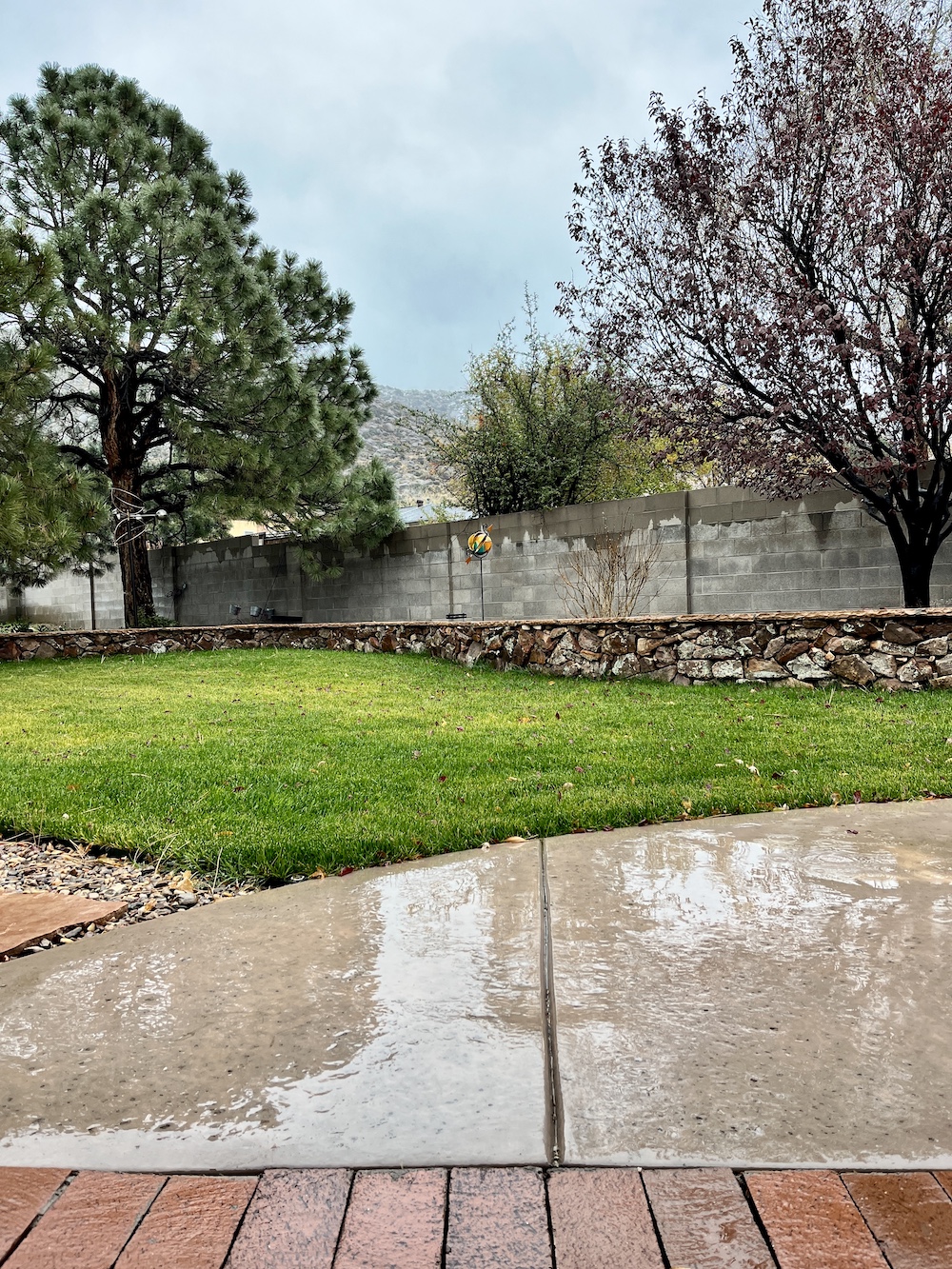
Naw. That ain’t trash, waiting to be packed out. It’s just old, like its operator.
So don’t pack us out, for pity’s sake. Ain’t neither of us ready for the scrap heap yet.
Speaking of old trash and scrap heaps, I finally heard from the WordPress people about the comments issue, which seemed to have resolved itself to some degree after my last complaint on Nov. 22. Quoth WP:
The comment reply box has changed to the new box that adds the options of styling or layout changes using blocks. It cannot be disabled, it is the new default.
Fear not, your visitors don’t have to use the blocks, they can simply click into the box, and start typing.
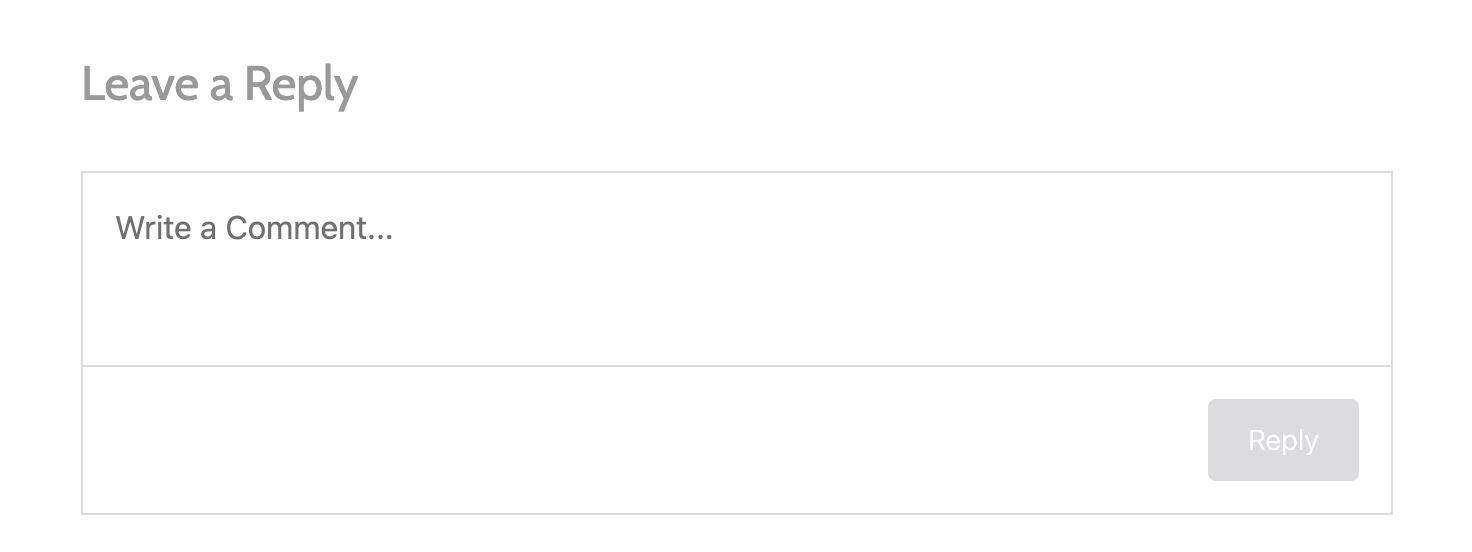
A limited inspection of the process indicates that leaving a comment is once again fairly straightforward:
1. Place your cursor (or, depending upon your mood at the moment, “curser”) in the “Leave a Reply” box and start typing.
2. You will then be presented with the option of logging in using a WordPress account, Facebutt, or email (the latter method wants your email addy and a name; providing a website is optional). Select a login method.
3. You also are prompted to have posts/comments emailed to you. The buttons are off by default. Make another selection.
4. Hit the “Reply” button at lower right.
I switched laptops and launched Chrome to try commenting using an old email address. But I was not logged into the Gmail account I wanted to use and got a prompt saying so (O, buggah, etc.).
Rather than dive down that rabbit hole (usernames, passwords, and shit, O my!) I switched to Firefox to post my comment and saw it had me already logged in using my WP info.
I don’t have a Facebutt account so I couldn’t evaluate that option.
Anyway, that seems to be where we are at the moment. We don’t have to face that quadruple-decker “Reply” box with all the arcane symbols belonging to WP’s Block Editor (curse its name, yes). Just start typing and let ’er buck, cowpersons.
Anyone still having issues? Leave a note in commaaaaaaaaah ha ha ha ha ha ha ha ha ha. Sorry, couldn’t help myself.


 Mad Blog Media