Block editor

Once more around the block.

Some of yis have noticed that commenting via Safari seems to have been restored, all praise to Cthulhu, may Its tentacles grow ever longer.

Last night I heard from a code wrangler at Automattic who advised thusly:

This issue has been forwarded to our development team. I cannot give a time frame on when the issue will be fixed but a workaround is to disable “blocks in comments.”

Huzzah, etc. Remember the last time we had trouble with comments? How it forced me into finally abandoning the Classic Editor for the Block Editor, and changing themes to boot?

Yet now, here we are again. Because not only are comments buggered without the workaround, pending a solution from the development team, it could be that the advanced age of my current “new” theme, Penscratch 2, may be part of the problem.

Thus, a tip of the Mad Dog Safari Hat goes out to our own Steve O’, who suggested as much in — wait for it — comments.

Meanwhile, cheers to Jason the Code Wrangler for kicking this thing up the chain of command and recommending the workaround, which works.

While we await the Wisdom from On High I may slap a new coat of theme on an old blog and ask you Safari users to try commenting there. Steve O’ and Pat O’B have been able to comment on this junkpile, which runs on Independent Publisher 2, but I think that theme is a tad long in the tooth as well.
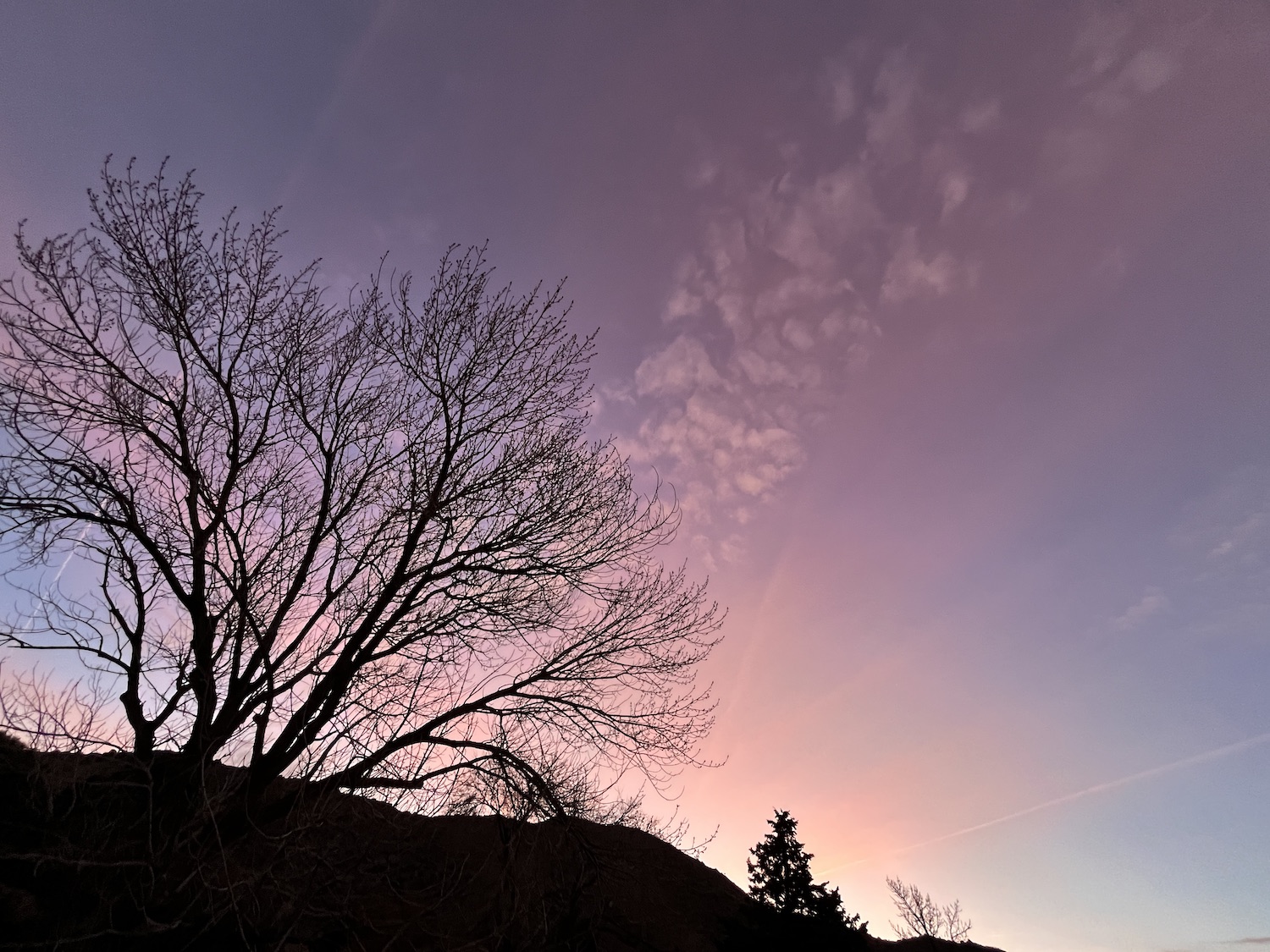
A new dawn

In the pink? We certainly hope so. …

A’ight, y’all, buckle up, ’cause here we go.

I launched the new theme and the Block Editor (curse its name, yes) because like any good test pilot (and many more bad ones) I got tired of kicking the tires and decided to light the fires.

I expect we will find a few bugs in the bird as we tumble along, but here’s hoping we wind up with the cockpit on top and the wheels on the bottom.

Error 666: Devil in details

Did Fatso eat the upgrade? Read on. …

As anyone with access to the Innertubes and one functional eyeball can see, we have not upgraded the DogS(h)ite to a new theme and the Block Editor (curse its name, yes).

Further discussions with the WordPress elves lead me to think there’s more to this holiday package in the skull-and-crossbones wrapping than meets the eye (What’s this scrawl on the card? “Happy Solstice from The Unibummer?”) and I don’t feel all warm and fuzzy about tugging on its black ribbons until the bomb squad has given it a good going-over.

Frankly, I’d rather talk shit than fix shit, especially since Herself has had a wicked cold for a week and the onliest one of us getting any sleep around here is the cat.

So, ignore anything you see melting down in my labs (New Wheeled Order and Town & Country). This old jabber factory ain’t burned down to the foundation yet so I’m gonna go with convenience over modernity for a while.

Theme song redux

A screenshot of what the new DogS(h)ite might look like.

Hear ye, hear ye: I’ve been experimenting with two newish WordPress themes on two unused blogs — Penscratch 2 on New Wheeled Order and Independent Publisher 2 on Town & Country — and I’m getting close to a verdict on which one might be best suited to serve our little coven of malcontents here.

Not knowing exactly how readers “interact” with this blog leaves me thinking I should probably focus on how it looks on a phone. I prefer working it on a laptop — and a laptop hooked to an external monitor when possible — but I am a confirmed Luddite and may be the lone exception.

With that in mind, Penscratch 2 looks cleaner to me. There’s a menu right at the top for easy navigation. In Independent Publisher 2 I seem to be restricted to parking items like search, archives, bio, and whatnot in a widget area, like a sidebar or footer. And to my amateur designer’s eye, which is deeply rooted in the Before-Time, it seems to waste a lot of space.

Penscratch 2 seems easier to work, too, even in the Block Editor (curse its name, yes). I spent some time with it yesterday and almost got to where I was feeling comfortable. Dropping a photo with caption into a post was nearly as simple as working in the Classic Editor. In the editing window a sidebar at right gave me the option of selecting a resolution, aspect ratio, and a custom width/height.

And really, that’s all I want from a new theme and editor, if I absolutely have to have them, which is coming to feel inevitable given the ongoing hiccups with the old setup. Publishing should be easy, because writing sometimes is not. Also, any changes should not blow up Ye Olde Blogge, which has muddled along for 15 years in its present incarnation.

I’ll spend some more time tinkering over the weekend, as the weather is forecast to be heavy on the suckee-suckee.

Meanwhile, if you can spare a moment, have a look at the two links up top and post any comments here (if you can). I’m starting to think I need to either embrace the Block Editor with a new theme or relocate the entire operation to Substack, Medium, or some other alternative, all of which is unknown country. Who knows what dragons might be there?

Recycling?

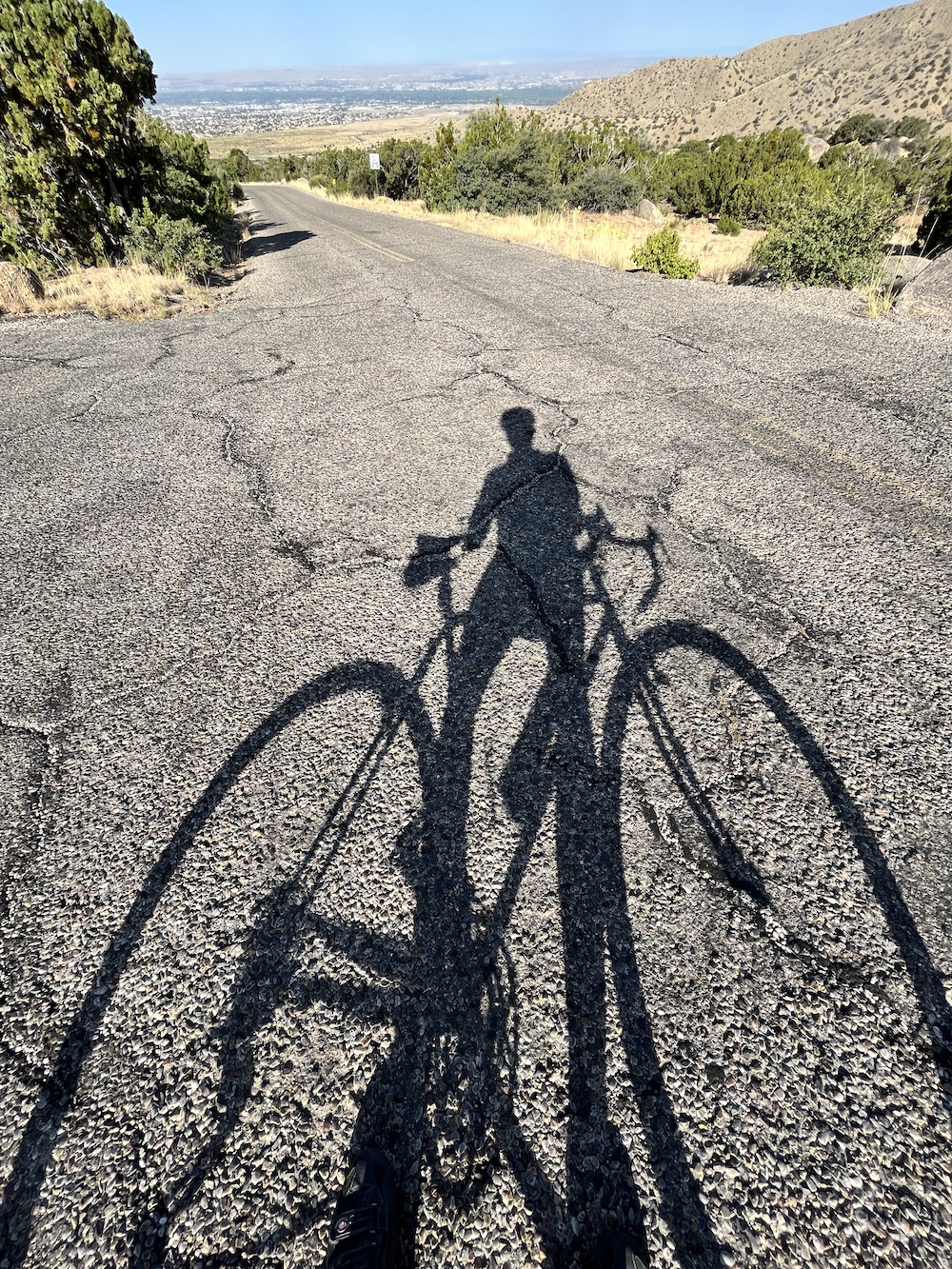
The DBR Axis TT and I went for a spin in the Elena Gallegos Open Space on Tuesday as the temps inched back into the low 40s.

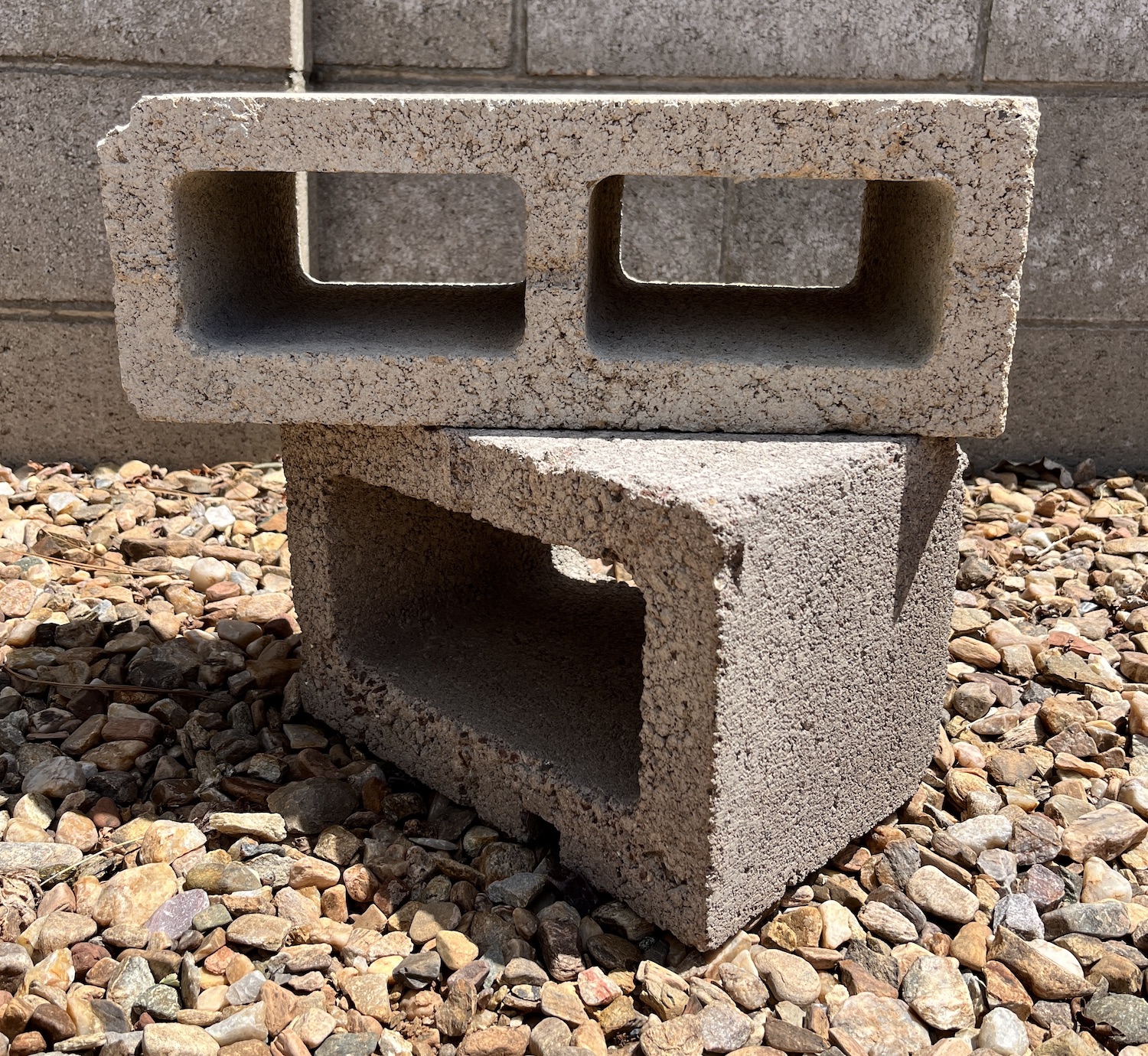
Naw. That ain’t trash, waiting to be packed out. It’s just old, like its operator.

So don’t pack us out, for pity’s sake. Ain’t neither of us ready for the scrap heap yet.

Speaking of old trash and scrap heaps, I finally heard from the WordPress people about the comments issue, which seemed to have resolved itself to some degree after my last complaint on Nov. 22. Quoth WP:

The comment reply box has changed to the new box that adds the options of styling or layout changes using blocks. It cannot be disabled, it is the new default.

Fear not, your visitors don’t have to use the blocks, they can simply click into the box, and start typing.

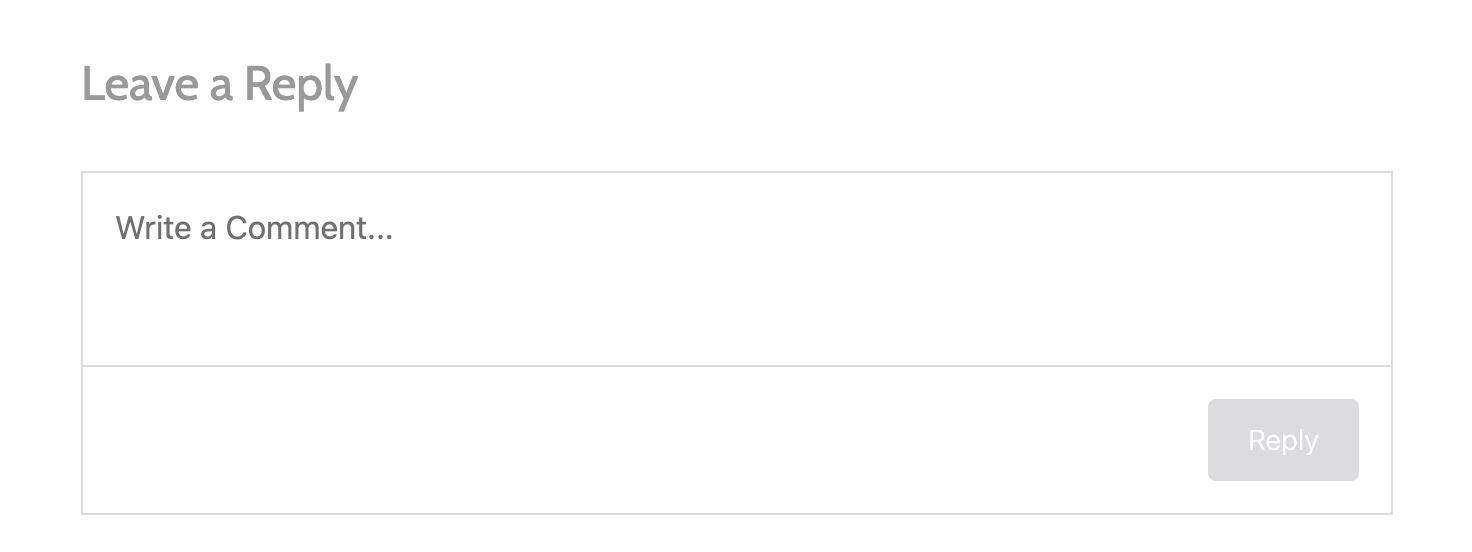
This is the new “Reply” box as I have been seeing it lately.

A limited inspection of the process indicates that leaving a comment is once again fairly straightforward:

1. Place your cursor (or, depending upon your mood at the moment, “curser”) in the “Leave a Reply” box and start typing.

2. You will then be presented with the option of logging in using a WordPress account, Facebutt, or email (the latter method wants your email addy and a name; providing a website is optional). Select a login method.

3. You also are prompted to have posts/comments emailed to you. The buttons are off by default. Make another selection.

4. Hit the “Reply” button at lower right.

I switched laptops and launched Chrome to try commenting using an old email address. But I was not logged into the Gmail account I wanted to use and got a prompt saying so (O, buggah, etc.).

Rather than dive down that rabbit hole (usernames, passwords, and shit, O my!) I switched to Firefox to post my comment and saw it had me already logged in using my WP info.

I don’t have a Facebutt account so I couldn’t evaluate that option.

Anyway, that seems to be where we are at the moment. We don’t have to face that quadruple-decker “Reply” box with all the arcane symbols belonging to WP’s Block Editor (curse its name, yes). Just start typing and let ’er buck, cowpersons.

Anyone still having issues? Leave a note in commaaaaaaaaah ha ha ha ha ha ha ha ha ha. Sorry, couldn’t help myself.