

It’s beginning to feel a lot like Chri … no, no, it’s not, actually.
It’s 49° right now with a high of 58° anticipated, and we are remarkably light on snowmen in these parts.
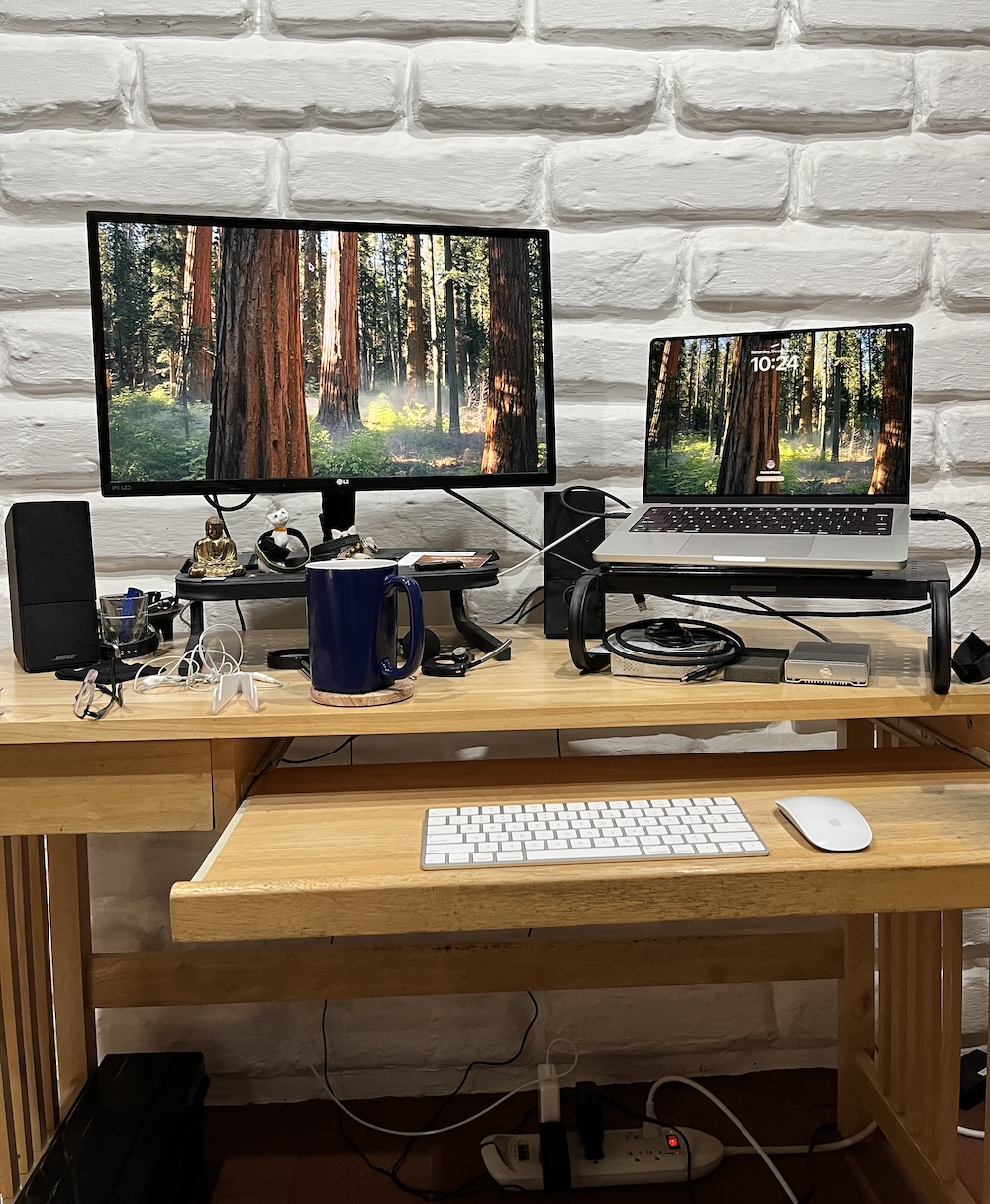
The dearth of seasonal weather notwithstanding, I finally got around to unwrapping and wrestling with the solstice gift I bought for myself (with Management’s approval, of course). And this is the first blog post from my brand-new MacBook Pro, with the M4 Pro chip, 24GB of memory and 1TB of storage.
It’s hard to describe such a wonder as a midrange Mac, but that’s what it is. Anybody who’s priced the property in Cupertino lately knows how many Dead President Trading Cards you can flush down the loo if you’ve a mind to, and a life partner who’s willing to stand by and watch you do it. I tried to find the Middle Way between making do and delusions of grandeur.
And I think I succeeded.
With my old 15-inch Intel MBP sidelined by botched MacSurgery at the Apple Store, and the 13-incher hobbled by penury (8GB memory, 128GB storage), I needed something with more power, more memory, more storage, and plenty of ports for external drives, the LG display, a mic, SD cards, etc., et al., and so on and so forth.
Plus I wanted something I could snatch up and run with when the jackboots hit the front door come Jan. 21.
So, here we are.
I’ve got all the data transferred, connected everything I need to do my little bit of business to see that it all works, and downloaded fresh copies of a few third-party apps I use. Then I kicked the tires, lit the fires, and took her for a spin around the digital block.
I haven’t assembled a Radio Free Dogpatch podcast with the beast yet, and might not even publish an episode this next week. You may think of that as my solstice present to you.
 Mad Blog Media
The question is, “What happens to the old stuff?”
I’ve been busy on that front too. The other day I erased Herself’s 2012 MacBook Pro and pulled the aftermarket SSD I installed some years back; she can use that in an OWC enclosure as an external drive attached to her Mini. I also erased her seriously ancient iPad. Both of those are heading off to Apple’s recyclers.
My 15-inch 2014 MacBook Pro is basically junk now. Without a working internal display I can’t upgrade its OS from Mojave to Big Sur (the newest macOS it will run), and the software I’m stuck with as a consequence is losing functionality by the day. Plus, it’s no longer a “laptop.” It needs an external monitor to be useful at all.
So I’ll pull the SSD out of it, too, put that in an enclosure, and use it as a backup. The rest of it, boom, off to recycling.
The old 13-inch MBP is on Big Sur, and it will go back to being my backup Mac. The 11-inch MacBook Air is on Catalina, and it’s a great travel/coffeeshop laptop. Totally tiny and just fine with simple tasks like writing, editing, blog posting, email/browsing, etc. A netbook on speed. So those two will be hanging around a while yet.
You got it all together mi amigo! I hope our old iPads and the one laptop, 5 years and only 128GB of storage, are worth something on trade at Simutech. I might just trade in my MacBook Air, intel with 256GB, as well. We would buy two iPads, plus one laptop like yours to share. That should keep us going for a few more years. Then everything we have, except my iPod Touch and the iPhone SE, will be USB-C. I still have my USB-C to HDMI, USB and Lightning adaptor to sync things and load music CD to the laptop. The used book stores that support the public library have hundreds maybe thousands of used CD they sell for a buck even. Herb would be in heaven looking through those. Some real gems like the first Phoebe Snow album that I got still had the plastic wrapping. Brand new it was.
Paddy me lad, the new MacBook Airs seem a real bargain to me. The M2 13-incher starts at $999. The M3 is a little pricier. You could get one of those with 24GB of memory and 512GB of storage for $1,499.
Biggest downside is a lack of ports (two Thunderbolt/USB 4, one headphone jack), which is one of the reasons I went MacBook Pro. I gotta plug a lot of stuff into a laptop.
But Hal’s very happy with his Air.
So does this mean you are going to be doing more complicated stuff here at the Dogpatch, or is this just to bring you up to where all the apps and OS stuff are not obsolete.
Which reminds me, this desktop is getting long in the tooth.
I was starting to have trouble keeping up with the old tech in a rapidly evolving world. Little bits of this and that making simple chores (like bloggery and podcasting) a tad more difficult.
Some websites definitely didn’t like the Mojave version of Safari, so I had to have a couple-three browsers on hand. Some apps were dropping support for the old gear. That sort of thing. And the hardware itself was officially obsolete, with parts difficult or impossible to find.
Ten years is a pretty good run for a laptop, I guess. Which reminds me: I haven’t booted up the 2005 G4 PowerBook or the black-plastic 2006 Intel MacBook in a while.
I keep the first around because it’s a dual-boot model, runs in both OS X and “Classic.” I can use it to access the Archives if my 1999 “Sawtooth” AGP Graphics G4 Power Mac ever craps out. (Maybe this will be the winter when I actually relocate all that stuff onto a single giant, modern drive.) And the plastic MacBook has an old version of Photoshop I can use to create graphics beyond the reach of Apple’s Preview app. But I may be able to recycle that now that Apple’s bought Pixelmator.
Speaking of old stuff, here’s Patrick’s musical alter ego providing a little holiday merriment.
Ho ho. Genius! Bravo! Author, author! Say, who is this, anyways? And who am I?